


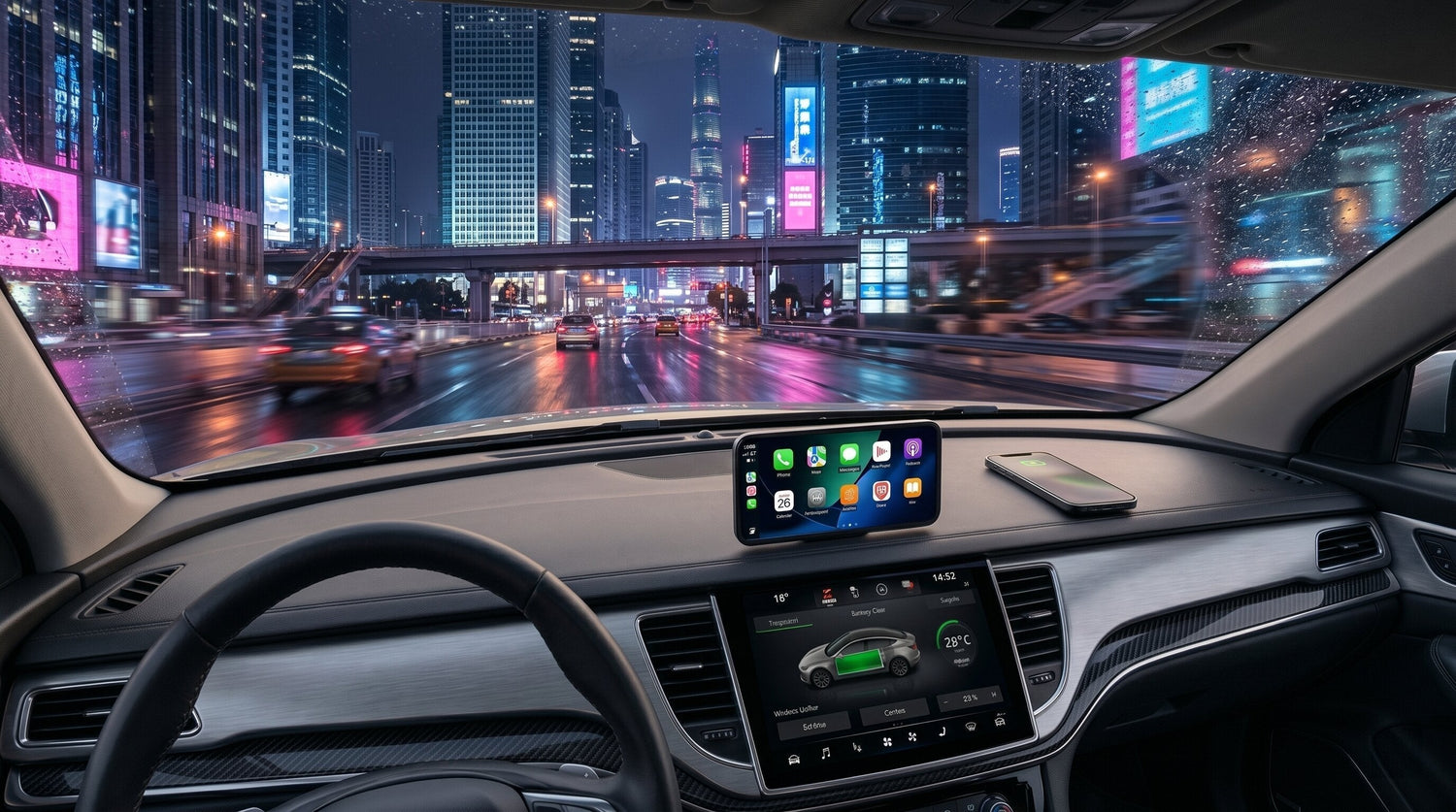
Top Wireless CarPlay Displays You Can Install in Minutes
Modern drivers expect seamless connectivity, but not every car comes equipped with the latest infotainment system. That’s where wireless CarPlay displays come in—offering a fast, affordable way to upgrade your driving experience without complicated installations.
In this guide, we’ll explore what makes a great wireless CarPlay display and highlight top options you can install in minutes.
Why Choose a Wireless CarPlay Display?
A portable wireless CarPlay screen transforms your vehicle into a smart cockpit—without replacing your factory head unit.
Key benefits include:
- No installation hassle – Mount it, power it, and go
- Wireless convenience – No cables, no clutter
- Enhanced safety – Hands-free navigation, calls, and messages
- Cost-effective upgrade – Avoid expensive dashboard replacements
Whether you drive an older vehicle or simply want a better interface, these displays offer instant modernization.
What to Look for in a Portable CarPlay Screen
Before choosing a device, consider these critical factors:
1. Display Quality
A high-resolution, bright screen ensures visibility in all lighting conditions—especially under direct sunlight.
2. Connectivity Stability
Reliable wireless CarPlay and Android Auto connections are essential for smooth navigation and media streaming.
3. Audio Integration
The best devices allow your phone to connect directly to your car’s Bluetooth system—preserving sound quality.
4. Ease of Installation
Look for magnetic mounts or simple dashboards setups that take minutes, not hours.
5. Extra Features
Rear-view camera support, auto-brightness, and responsive touchscreens add real-world usability.
Top Wireless CarPlay Displays You Can Install in Minutes
CarpodGo Mini – Best for Premium Performance & Seamless Integration
If you're looking for a high-end portable CarPlay display, the CarpodGo Mini stands out with its balance of performance, clarity, and intelligent design.
Why It Stands Out
Exceptional Display Performance
- 6.9-inch fully laminated IPS screen
- 1000-nit brightness for clear visibility even in harsh sunlight
- 1600 × 720 resolution (254 PPI) for sharp, vibrant visuals
- Smooth 60 FPS performance for lag-free interaction
Smart Connectivity Innovation
One of its most unique features is Pure Display Bluetooth Mode—allowing your phone to stay connected directly to your car’s original Bluetooth system while the screen handles visuals.
→ Result: No compromise in audio quality, unlike many competitors.
Effortless Setup in Minutes
- MagSafe magnetic mounting system
- USB-C power with fast boot Linux system
- Automatic wireless CarPlay & Android Auto connection
Driver-Focused Features
- Ambient auto-brightness (day/night adjustment)
- Rear-view camera support (AHD 1080p)
- Durable oleophobic tempered glass protection
👉 Best for: Drivers who want a premium, no-compromise upgrade with zero installation complexity.
Budget Portable CarPlay Displays – Best for Basic Use
Entry-level wireless CarPlay screens are widely available and typically offer:
- Standard brightness (often below 600 nits)
- Basic wireless connectivity
- Plastic mounting systems
While affordable, they may struggle with sunlight visibility, connection stability, and audio latency.
👉 Best for: Casual users with minimal expectations.
Larger Screen CarPlay Units – Best for Visibility
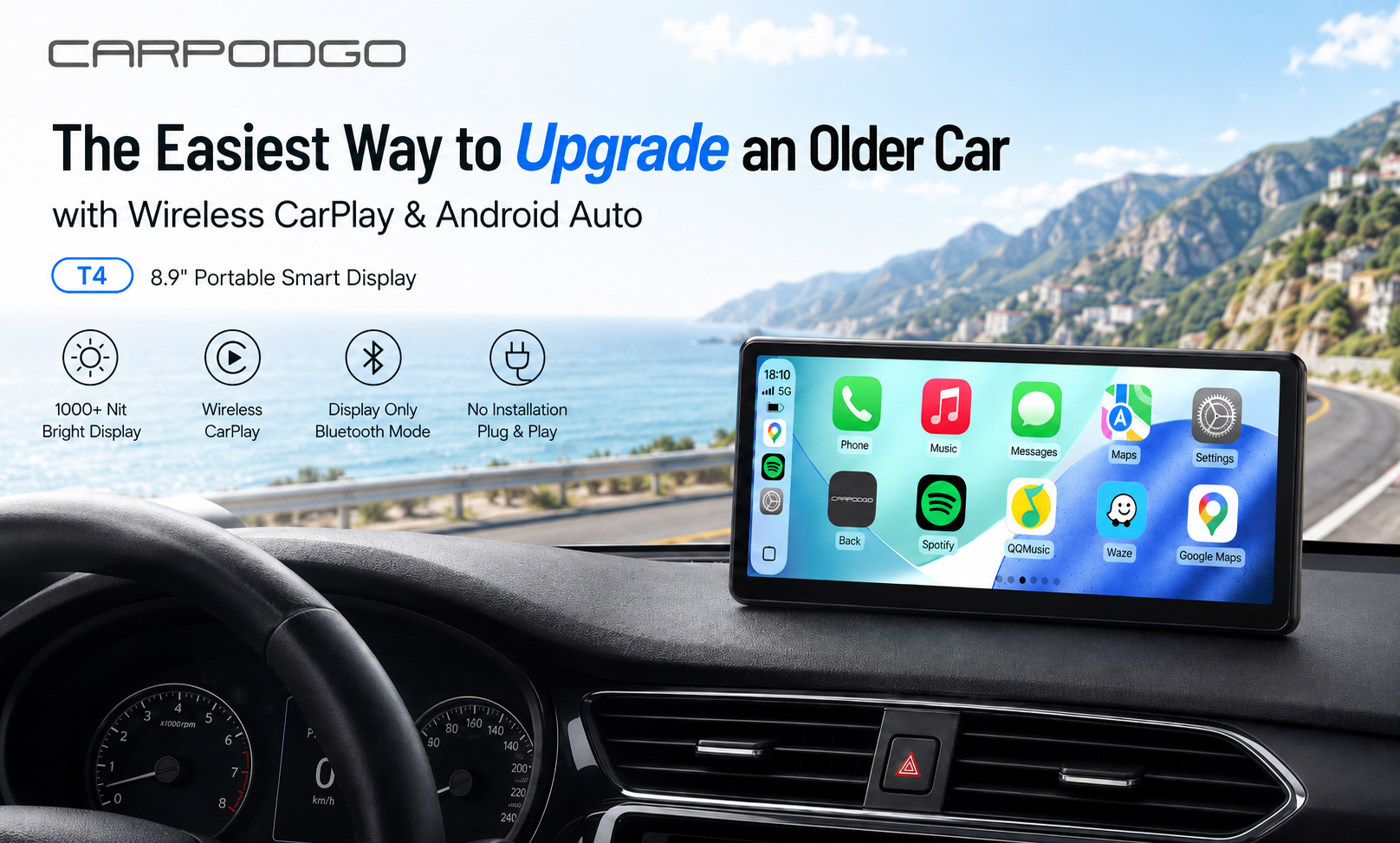
Some portable displays offer larger screens (8–10 inches), which can be beneficial for navigation.
However, they often come with trade-offs:
- Bulkier dashboard footprint
- Slower responsiveness
- More complex mounting
👉 Best for: Drivers prioritizing screen size over compact design.
Installation: How Easy Is It Really?
Most modern wireless CarPlay displays—including the CarpodGo Mini—follow a simple 3-step setup:
- Mount the device (dashboard or windshield)
- Connect power via USB-C or car adapter
- Pair your phone via Bluetooth/Wi-Fi
That’s it—no wiring, no dashboard removal, no professional installation required.
Final Thoughts: Which One Should You Choose?
If you want a quick, reliable upgrade, a portable wireless CarPlay display is one of the smartest investments you can make for your car.
- Choose budget models for basic functionality
- Choose larger displays for maximum screen space
- Choose CarpodGo Mini if you want premium performance, superior brightness, and seamless audio integration


Leave a comment
Este site está protegido pela Política de privacidade da hCaptcha e da hCaptcha e aplicam-se os Termos de serviço das mesmas.