


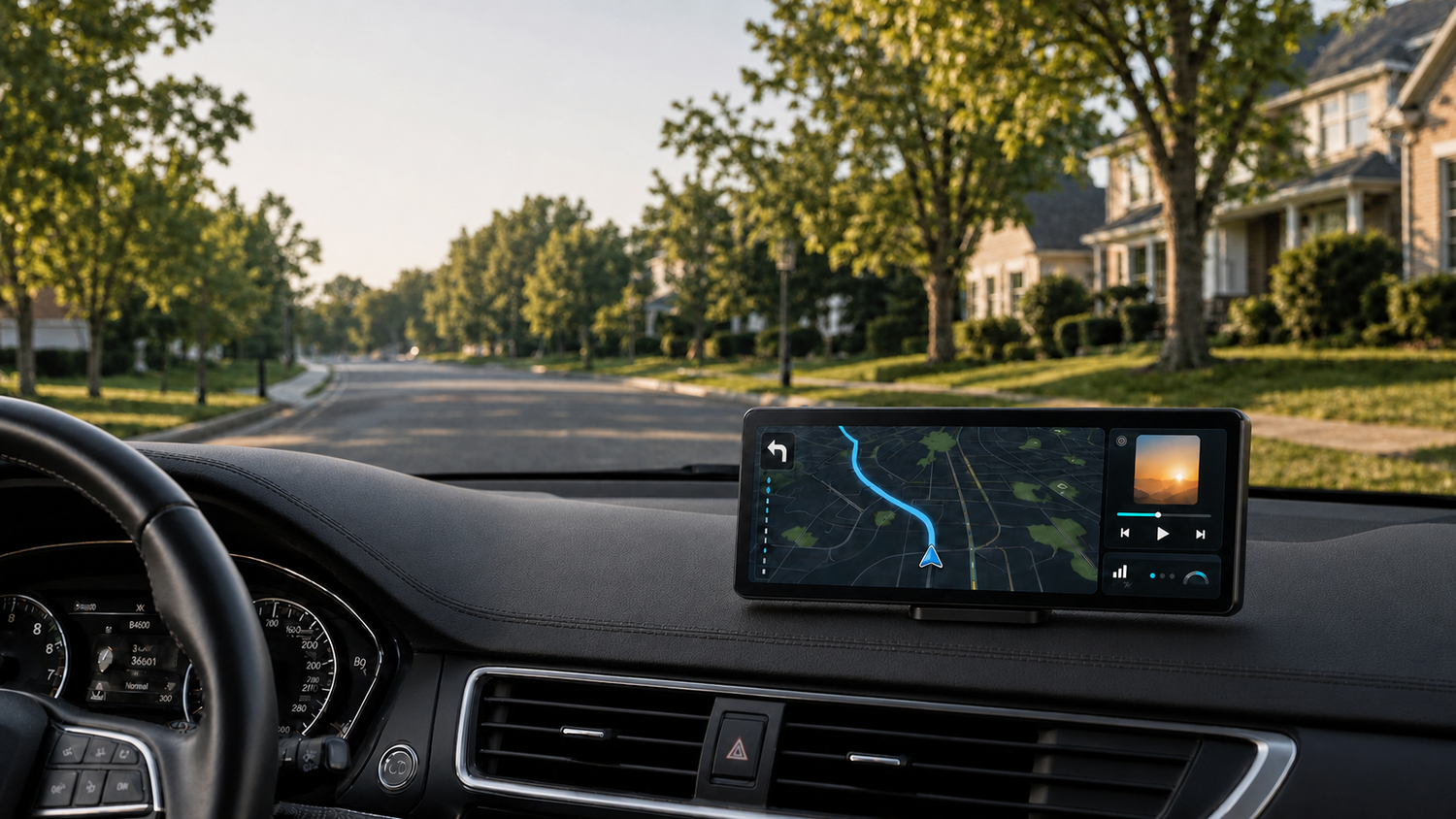
8.9-Inch vs 10.9-Inch CarPlay Screen: Which Size Fits Your Car Better?
Choosing between an 8.9-inch vs 10.9-inch CarPlay screen is not simply a matter of picking the biggest display. The right size depends on your dashboard space, seating position, vehicle type, driving habits, and how much of your forward view the screen occupies.
The CarpodGo T4 and T4 Plus offer the same core display and connectivity features in two sizes. The T4 uses a compact 8.9-inch screen, while the T4 Plus provides a wider 10.9-inch viewing area. This guide will help you decide which model better fits your car and daily routine.
Quick Answer: T4 or T4 Plus?
Choose the 8.9-inch CarpodGo T4 if your vehicle has limited dashboard space, a lower windshield, or you prefer a more compact installation. It is also a practical choice for smaller cars and drivers who want navigation at eye level without adding a large screen to the dashboard.
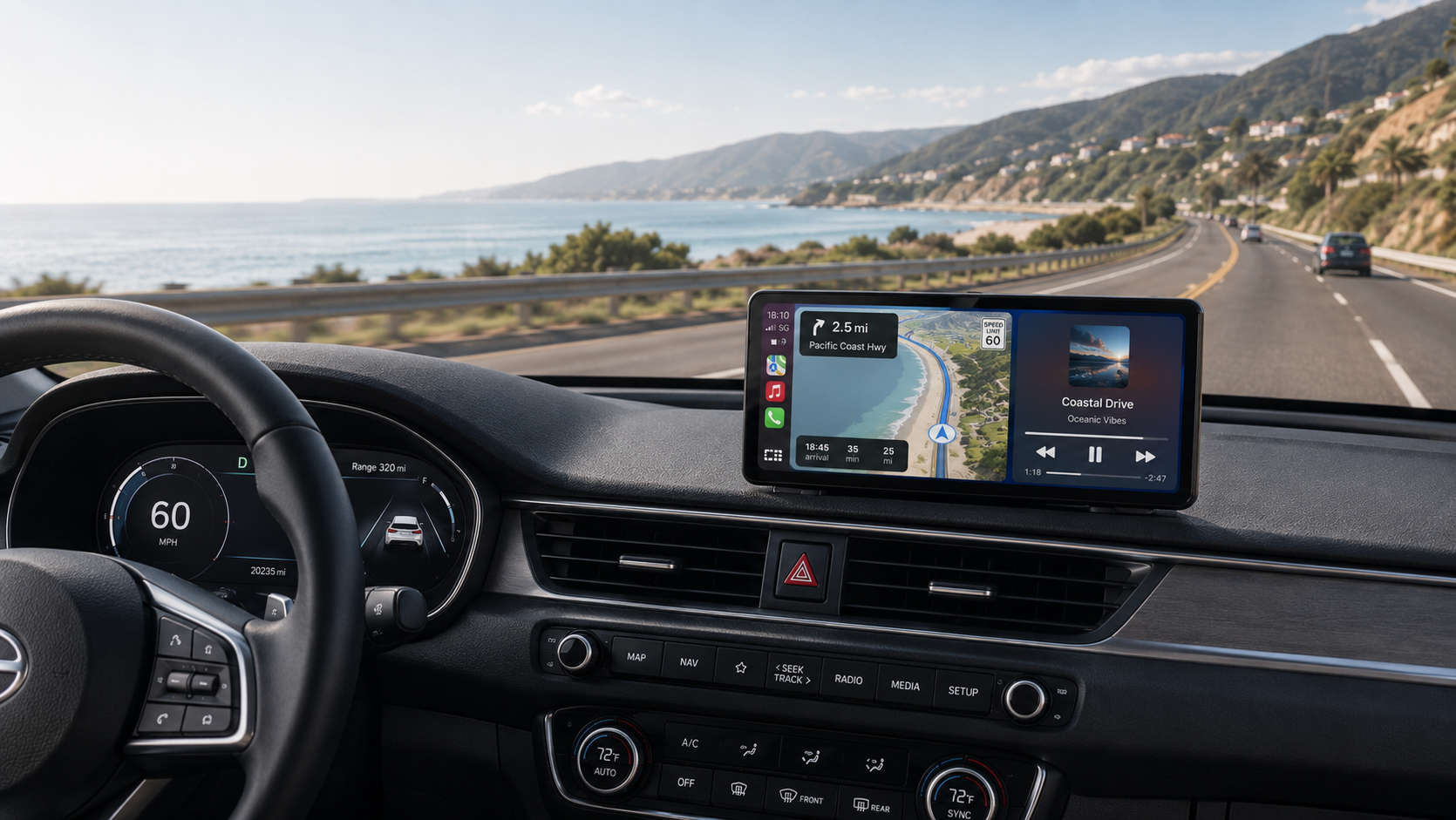
Choose the 10.9-inch CarpodGo T4 Plus if your dashboard has enough open space and you want a larger navigation view. It can be especially useful in SUVs, trucks, vans, and other vehicles where the screen may sit farther away from the driver.
| Comparison | CarpodGo T4 | CarpodGo T4 Plus |
|---|---|---|
| Screen size | 8.9 inches | 10.9 inches |
| Device dimensions | 227 × 98.5 × 19.9 mm | 261 × 112.5 × 21 mm |
| Display weight | 388 g | 450 g |
| Best suited for | Compact dashboards and balanced visibility | Larger dashboards and maximum glance readability |
| Resolution | 1920 × 720 | 1920 × 720 |
| Brightness | 1000 nits | 1000 nits |
| CarPlay and Android Auto | Wireless and wired | Wireless and wired |
Why CarPlay Screen Size Matters
A portable CarPlay display should make navigation, music, calls, and messages easier to access without becoming a distraction. Screen size affects three important parts of the experience:
- Dashboard fit: The display needs a stable mounting area without covering important controls, vents, gauges, or safety equipment.
- Driving visibility: A larger screen may be easier to read, but it should not block the windshield or interfere with your normal line of sight.
- Viewing distance: A screen mounted farther from the driver may benefit from a larger physical size, while a closer mounting position may not require it.
The best portable dashboard screen is therefore not automatically the largest one. It is the screen that remains easy to read while fitting naturally into your vehicle’s interior.
Benefits of the 8.9-Inch CarpodGo T4
The 8.9-inch T4 offers a good balance between screen visibility and a compact footprint. At approximately 8.9 inches wide, it provides substantially more viewing space than most smartphones while remaining easier to position on smaller dashboards.
Better Fit for Compact Dashboards
Many compact cars, sports cars, and older sedans have narrow dashboards or windshields that sit relatively close to the driver. In these vehicles, the T4 is generally easier to place without covering vents, factory displays, or part of the windshield.
Less Visual Impact on the Interior
If you want to add CarPlay while preserving the original appearance of your cabin, the smaller T4 may blend in more naturally. Its lower profile can also be helpful when the mounting position is close to your normal field of view.
Full Display Quality in a Smaller Size
Choosing the smaller model does not mean giving up the main display features. The T4 has the same 1920 × 720 resolution, 1000-nit brightness, fully laminated IPS panel, 100% sRGB color coverage, and 60fps CarPlay support listed for the T4 Plus.
Ideal for Everyday Commuting
For city driving and regular commuting, the T4 provides enough room to view navigation directions, music controls, calls, and other CarPlay functions without dominating the dashboard. Its 388-gram display is also lighter than the T4 Plus.
The 8.9-inch T4 may be the better choice if you:
- Drive a compact car, coupe, or smaller sedan.
- Have limited open space on the dashboard.
- Plan to mount the display relatively close to the driver.
- Want a clean, less prominent installation.
- Mainly use CarPlay for commuting and everyday navigation.
Benefits of the 10.9-Inch CarpodGo T4 Plus
The 10.9-inch T4 Plus is designed for drivers who want a larger physical display and have enough room to install it safely. Its wider screen can make maps, route guidance, and interface elements easier to read at a glance, particularly when the unit is mounted farther away.
A Larger Navigation View
The main advantage of the T4 Plus is physical scale. Navigation routes, map labels, album artwork, and on-screen controls appear larger, which may make the interface more comfortable to view during long drives.
Well Suited to Larger Vehicles
SUVs, pickup trucks, vans, RVs, and vehicles with deep dashboards often provide more room for a portable display. Because the driver may sit farther from the center of the dashboard, the 10.9-inch screen can feel more proportional to the cabin.
Helpful for Road Trips
On longer trips, drivers often keep maps visible for extended periods and may switch between navigation, music, calls, and travel apps. The larger screen can improve glance readability when checking the next turn or viewing route information.
Premium Widescreen Appearance
The T4 Plus has a wider, more prominent look that can complement vehicles with larger interiors. Like the T4, it uses a fully laminated IPS panel and magnetic quick-release base, allowing the display to be removed without repeatedly disconnecting its power cable.
The 10.9-inch T4 Plus may be the better choice if you:
- Drive an SUV, truck, van, RV, or larger sedan.
- Have a wide, open dashboard mounting area.
- Need to position the screen farther from the driver.
- Prefer larger maps and interface elements.
- Frequently take road trips or drive in unfamiliar areas.
Which Size Fits Different Vehicle Types?
| Vehicle or Dashboard Type | Suggested Starting Point | Why |
|---|---|---|
| Compact car or coupe | T4 8.9-inch | Smaller footprint and easier placement on a limited dashboard |
| Small or midsize sedan | Usually T4; T4 Plus if space allows | Choice depends heavily on windshield height and mounting position |
| Crossover or midsize SUV | Either model | T4 offers a cleaner installation; T4 Plus offers a larger view |
| Full-size SUV or pickup truck | T4 Plus 10.9-inch | A larger screen may be easier to view across a deeper dashboard |
| Van or RV | T4 Plus 10.9-inch | Helpful when the display is positioned farther from the driver |
| Classic or older vehicle | Usually T4 | Compact size may fit the original dashboard more naturally |
These recommendations are starting points rather than fixed rules. A compact car with an unusually open dashboard may accommodate the T4 Plus, while an SUV with a crowded dash may be better suited to the smaller T4.
How to Measure Your Dashboard Before Choosing
Before ordering, sit in your normal driving position and evaluate the intended mounting area. A simple paper or cardboard template can help you visualize each size.
- Make one template measuring approximately 227 × 98.5 mm for the T4.
- Make a second template measuring approximately 261 × 112.5 mm for the T4 Plus.
- Place each template at the planned mounting location.
- Check your view through the windshield from your normal seating position.
- Make sure the template does not cover gauges, vehicle controls, air vents, or the factory screen.
- Confirm that the mounting area will not interfere with an airbag deployment zone.
- Check whether the screen can be reached comfortably without leaning forward.
Always follow local laws regarding dashboard-mounted devices and windshield visibility. If both templates fit safely, your decision can be based primarily on viewing preference.
Daily Commuting vs Long-Distance Driving
For Daily Commuting
The 8.9-inch T4 is likely to be sufficient for most daily commutes. It keeps maps and media controls easy to access while taking up less space. The smaller size may also feel less intrusive in heavy city traffic, where maintaining an open forward view is especially important.
For Road Trips
The 10.9-inch T4 Plus can be appealing for frequent road trips because navigation information is physically larger. This may be useful when reviewing highway exits, unfamiliar routes, or upcoming turns at a glance.
Both models support wireless operation for convenience and wired CarPlay or Android Auto when you prefer a cable-based connection for a long drive.
Features You Get with Both Sizes
The size decision does not require choosing between two different levels of display performance. According to CarpodGo’s product specifications, both T4 models include:
- Wireless and wired Apple CarPlay.
- Wireless and wired Android Auto.
- True 1920 × 720 resolution.
- 1000-nit display brightness.
- 60fps wireless CarPlay support.
- A fully laminated IPS screen.
- 100% sRGB color coverage.
- Ambient auto-brightness.
- A magnetic quick-release base.
- Optional rear-view camera support.
- Display Only Bluetooth Mode, FM, AUX, and built-in speaker audio options.
Display Only Bluetooth Mode allows the CarpodGo unit to handle the CarPlay image while your phone continues sending audio through the vehicle’s original Bluetooth system. This can help preserve the car’s familiar audio controls and native microphone setup. Visit the CarpodGo FAQ for more information about mounting, audio connections, and compatibility.
Final Recommendation
For most compact cars and dashboards with limited space, the 8.9-inch CarpodGo T4 is the safer all-around choice. It delivers the complete T4 display and connectivity experience in a lighter, more compact format.
If your vehicle has enough dashboard space and you want the largest, easiest-to-glance-at navigation view, choose the 10.9-inch CarpodGo T4 Plus. It is especially well suited to larger cabins and screens mounted farther from the driver.
If you are still undecided, create templates using the published device dimensions and test both positions from the driver’s seat. The correct screen should feel easy to read without blocking your view or important vehicle controls.
Frequently Asked Questions
Does the T4 Plus have a higher resolution than the T4?
No. Both models use a 1920 × 720 display. The T4 Plus provides a larger physical viewing area, while the T4 presents the same resolution in a more compact format.
Is an 8.9-inch CarPlay screen large enough for navigation?
For most drivers, yes. An 8.9-inch display is considerably larger than a typical phone screen and provides ample space for maps, directions, and CarPlay controls.
Is a 10.9-inch CarPlay screen too large for a sedan?
Not necessarily. It depends on the sedan’s dashboard layout, windshield height, and mounting position. Measure the area and check your forward visibility before choosing.
Do the T4 and T4 Plus require stereo replacement?
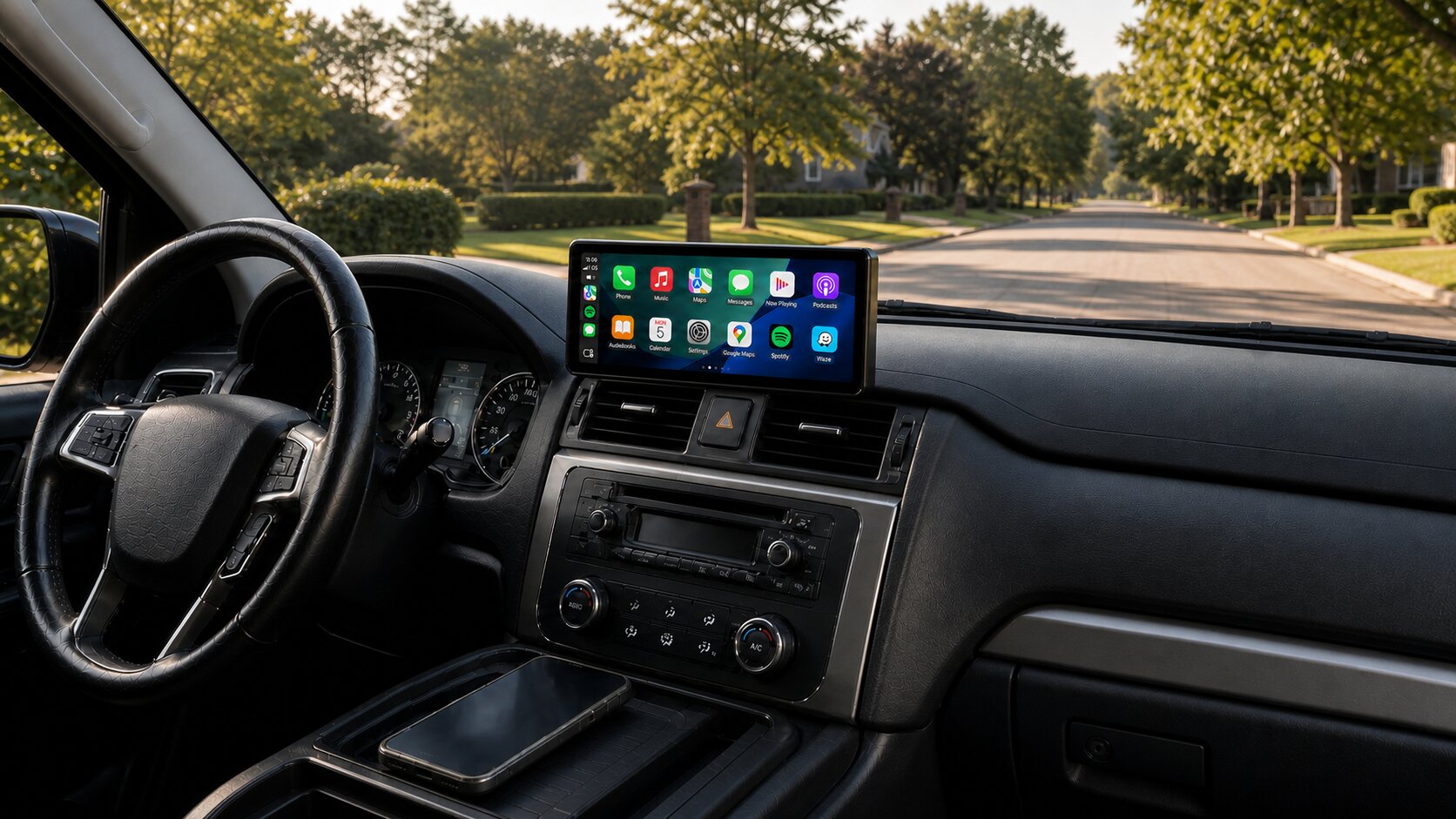
No. Both are portable, plug-and-play displays designed to add CarPlay or Android Auto without replacing the factory stereo or permanently modifying the dashboard.
Can both sizes work with iPhone and Android phones?
Yes. Both models support wireless and wired Apple CarPlay as well as wireless and wired Android Auto.
Which model is better for an older car?
The T4 is often easier to fit into an older vehicle with a smaller dashboard, but the right choice still depends on the available mounting space and viewing distance.
Ready to choose your screen? Compare the 8.9-inch T4 and 10.9-inch

Dejar un comentario
Este sitio está protegido por hCaptcha y se aplican la Política de privacidad de hCaptcha y los Términos del servicio.