


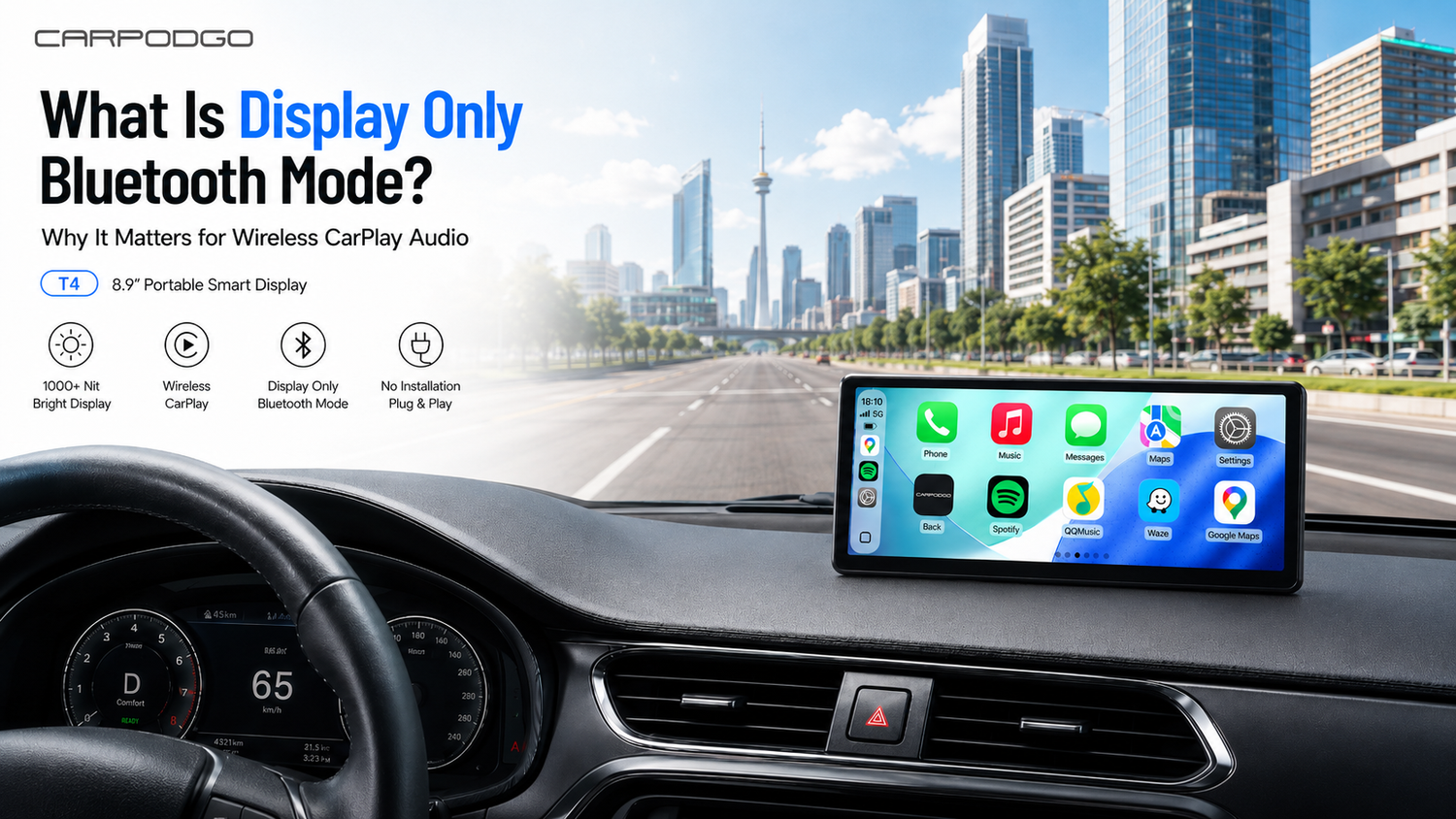
What Is Display Only Bluetooth Mode and Why It Matters for Wireless CarPlay Audio
```Wireless CarPlay has made driving smarter, cleaner, and more convenient. Instead of plugging in a cable every time you start the car, you can access navigation, music, calls, messages, and apps directly from a modern in-car display.
But for many drivers, one issue can still affect the experience: audio. Some portable CarPlay screens may introduce CarPlay audio delay, reduced sound quality, or compatibility problems when audio is routed through the display instead of the car’s original sound system.
That is why CarpodGo T4 / T4 Plus supports Display Only Bluetooth Mode — a smarter audio solution designed to improve wireless CarPlay audio quality while keeping the visual experience smooth and modern.
```What Is Display Only Bluetooth Mode?
```Display Only Bluetooth Mode is an audio connection method that allows the CarpodGo screen to focus on visuals while your phone sends audio directly to your car’s original Bluetooth or AUX system.
In simple terms:
- The CarpodGo display handles the Wireless CarPlay visual interface.
- Your phone stays connected to your car’s original Bluetooth or AUX audio system.
- Music, calls, navigation prompts, and voice audio play through your vehicle’s native speakers.
This means your CarpodGo screen becomes the smart visual hub, while your original car audio system continues to deliver the sound. For many drivers, this creates a more natural in-car experience because audio is not forced through an extra wireless relay or a small external speaker.
```Why Wireless CarPlay Audio Can Have Delay
```Wireless CarPlay depends on several connections working together. Your phone, CarPlay display, Bluetooth connection, Wi-Fi connection, and vehicle audio system all need to communicate smoothly.
On some portable CarPlay displays, audio may be routed through the external screen first and then transmitted to the vehicle through FM, AUX, Bluetooth relay, or the built-in speaker. Each extra step can add a small amount of delay.
That delay may become noticeable when:
- Navigation voice prompts arrive slightly late.
- Music controls feel less responsive.
- Phone call audio feels less natural.
- Audio and video feel out of sync when parked.
- Sound quality feels weaker than your original car Bluetooth system.
Not every driver will notice the same issue, but for users who care about wireless CarPlay audio quality, even a small delay can make the experience feel less premium.
```How Display Only Bluetooth Mode Helps Reduce CarPlay Audio Delay
```The key advantage of Display Only Bluetooth Mode is that it separates the visual path from the audio path.
Instead of sending audio through the portable display, your phone connects directly to your car’s existing Bluetooth or AUX audio system. This helps reduce unnecessary signal processing and keeps the audio path closer to your vehicle’s native setup.
When using Wireless CarPlay on CarpodGo T4 Series:
- The CarpodGo screen displays maps, apps, messages, and the CarPlay interface.
- Your vehicle’s original audio system plays music, calls, and navigation guidance.
- The driving experience feels cleaner, smoother, and more natural.
By simplifying the audio route, Display Only Bluetooth Mode helps reduce CarPlay audio delay and improves overall sound consistency compared with FM transmission or built-in speaker playback.
```Why Display Only Bluetooth Mode Matters for Wireless CarPlay Audio Quality
```Most drivers upgrade to a portable CarPlay display because they want a better screen experience. But a better screen should not make the audio worse.
Your vehicle’s original audio system is usually designed for the cabin. It may already have better speakers, better bass response, steering wheel controls, and a more stable Bluetooth connection than a portable display’s built-in speaker or FM transmitter.
Display Only Bluetooth Mode helps preserve that original sound experience. Instead of replacing your car’s audio path, CarpodGo works alongside it.
This is especially useful for drivers who:
- Already like their car’s Bluetooth sound quality.
- Want better music playback than FM transmission.
- Use Wireless CarPlay for calls and navigation every day.
- Want fewer audio sync issues.
- Prefer a cleaner, more OEM-like driving experience.
In other words, Display Only Bluetooth Mode is not just a technical feature. It directly affects how natural and premium Wireless CarPlay feels during daily driving.
```Display Only Bluetooth Mode vs. Other Audio Output Options
```CarpodGo T4 / T4 Plus gives drivers flexible audio options for different vehicle setups:
- Display Only Bluetooth Mode
- FM Transmission
- AUX Output
- Built-in Speaker
Display Only Bluetooth Mode
Best for vehicles that already have Bluetooth or AUX audio. This is the recommended mode for users who want lower audio delay, better compatibility, and stronger wireless CarPlay audio quality.
FM Transmission
Best for older vehicles without Bluetooth or AUX. FM transmission is convenient, but sound quality may vary depending on local radio interference and signal conditions.
AUX Output
Best for vehicles with a physical AUX input. AUX can provide a stable wired audio path and is a good option when Bluetooth audio is not available.
Built-In Speaker
Best as a backup or temporary solution. The built-in speaker can play audio directly from the display, but it is not designed to replace a full vehicle speaker system.
```Why CarpodGo T4 / T4 Plus Is Built for a Better CarPlay Experience
```Display Only Bluetooth Mode is one of the most important audio features of the CarpodGo T4 Series, but the full experience goes beyond audio.
The CarpodGo T4 / T4 Plus is a next-generation portable CarPlay display designed for drivers who want a smarter in-car experience without replacing or modifying the original vehicle system.
It supports Wireless CarPlay, Wired CarPlay, Wireless Android Auto, and Wired Android Auto, making it easy to access navigation, music, calls, messages, and apps from a larger and smoother screen.
Key features include:
- 1000-nit ultra-bright display for clearer visibility in bright daylight.
- True 1920×720 resolution for sharper maps, app icons, and interface details.
- 60fps Wireless CarPlay for smoother animations and more responsive operation.
- 100% sRGB color for richer and more natural visuals.
- Fully laminated IPS screen for reduced glare and a premium all-black look.
- Magnetic quick-release base with pogo pin power connection for easier removal and reconnection.
- Optional 1080P rear-view camera support for improved parking visibility.
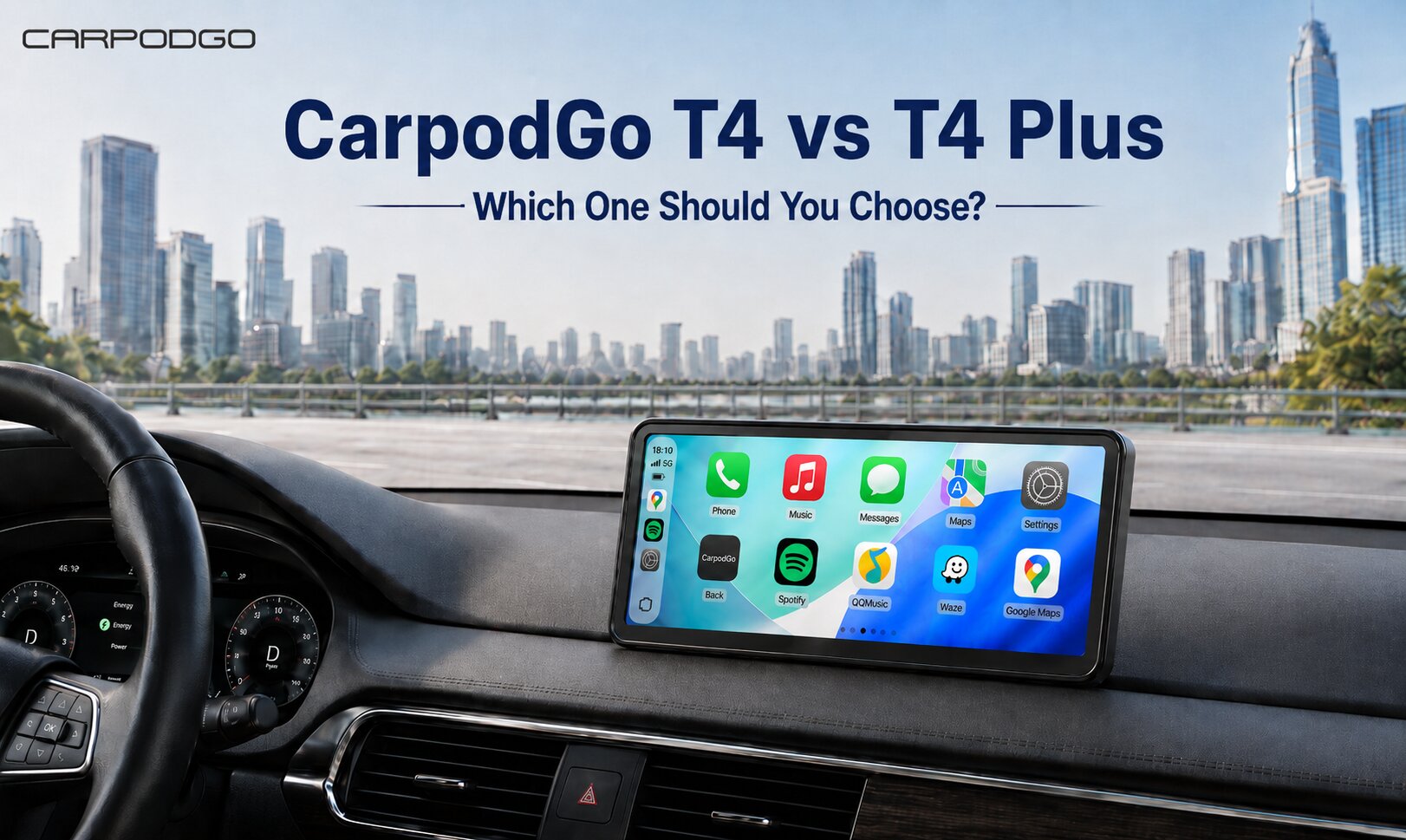
- Two sizes available: 8.9-inch T4 and 10.9-inch T4 Plus.
Together, these features make CarpodGo more than a simple add-on screen. It is a complete smart driving upgrade for users who want modern CarPlay without changing the factory stereo.
```Why Display Only Bluetooth Mode Is Especially Useful for Older Cars
```Many older vehicles already have Bluetooth audio but do not have built-in CarPlay. This creates a common problem:
- The car speakers still sound good.
- The original Bluetooth system still works well.
- The driver wants modern CarPlay navigation and apps.
- Replacing the factory stereo may be expensive or complicated.
This is exactly where a portable CarPlay display from CarpodGo makes sense.
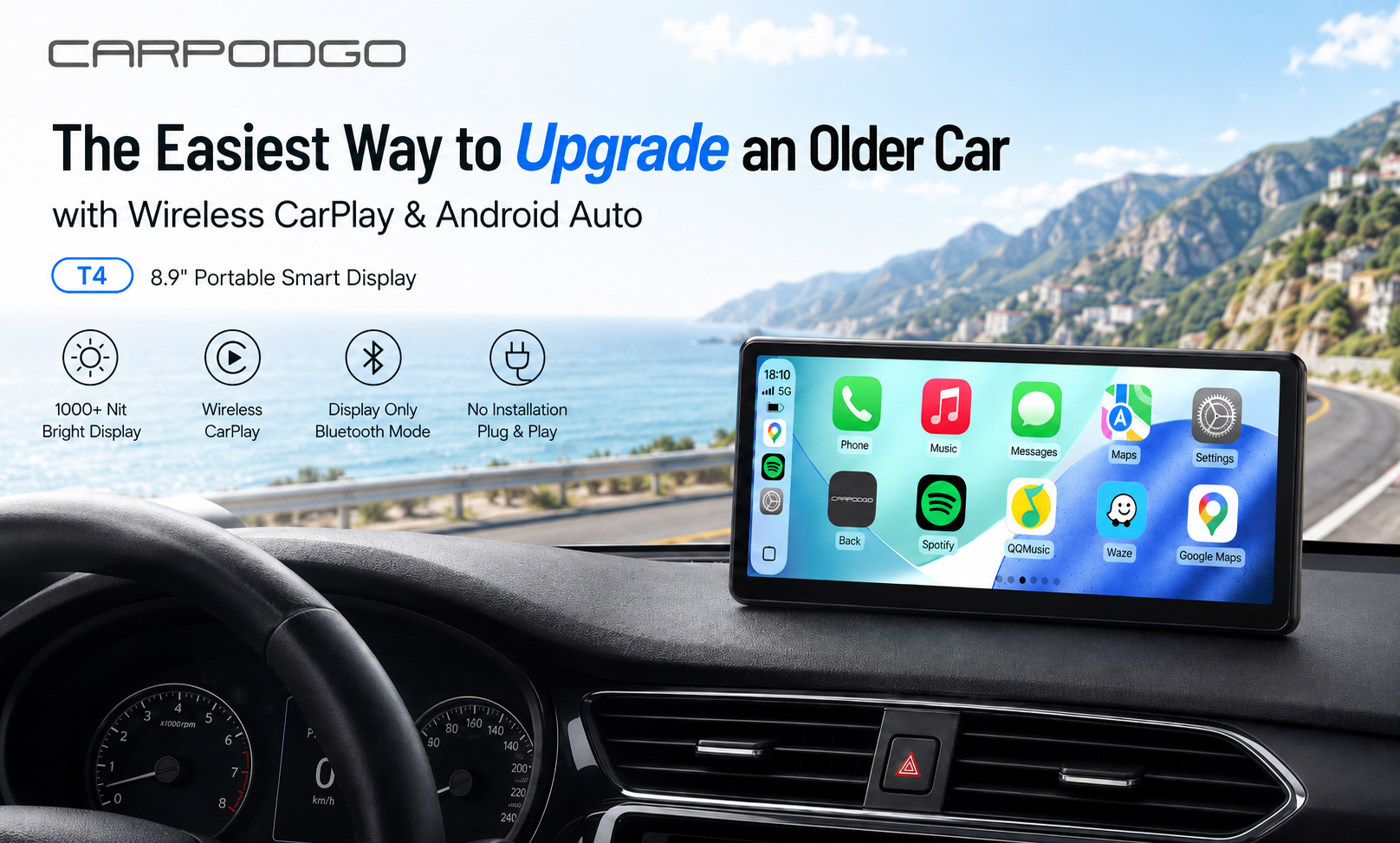
Instead of replacing the stereo, CarpodGo T4 / T4 Plus adds a modern smart display while allowing the original Bluetooth audio system to remain in use. The driver gets a larger CarPlay screen, smoother navigation, and easier app control without sacrificing the car’s existing sound setup.
For many users, this is the best of both worlds: a modern Wireless CarPlay display with familiar factory audio.
```A Cleaner Setup for Everyday Driving
```The best car technology should not feel complicated. Once it is set up, it should simply work every time you drive.
Display Only Bluetooth Mode helps create that kind of experience. The CarpodGo display shows the information you need, while your car speakers handle the sound naturally.
Navigation feels clearer. Music feels more consistent. Calls feel more familiar. The entire setup feels less like an accessory and more like part of the car.
This matters because Wireless CarPlay is not only about convenience. It is about trust. When you are driving, you want the screen to respond smoothly, the audio to play at the right time, and your car system to feel connected.
```FAQ: Display Only Bluetooth Mode and Wireless CarPlay Audio
```Does Display Only Bluetooth Mode improve wireless CarPlay audio quality?
Yes. Display Only Bluetooth Mode allows audio to play through your car’s original Bluetooth or AUX system instead of routing it through the portable display. This helps preserve a more natural sound experience and can improve wireless CarPlay audio quality.
Can Display Only Bluetooth Mode reduce CarPlay audio delay?
Yes. Because the audio path is simplified, Display Only Bluetooth Mode can help reduce CarPlay audio delay compared with setups that route audio through extra wireless or FM transmission steps.
Do I need to replace my car stereo to use CarpodGo T4 / T4 Plus?
No. CarpodGo T4 / T4 Plus is designed as a portable CarPlay display. It upgrades your car with Wireless CarPlay and Android Auto without replacing or modifying your original vehicle system.
What if my car does not have Bluetooth?
If your car does not have Bluetooth, you can use other audio output options such as AUX, FM transmission, or the built-in speaker, depending on your vehicle’s setup.
```Final Thoughts
```Display Only Bluetooth Mode is one of the most important features to look for when choosing a portable Wireless CarPlay display.
By allowing the display and audio systems to work separately, it helps reduce CarPlay audio delay, preserve wireless CarPlay audio quality, and create a more natural in-car experience.
For drivers who want to upgrade their vehicle without replacing the factory stereo, CarpodGo T4 / T4 Plus offers a practical and premium solution. You get a bright 1920×720 display, smooth 60fps Wireless CarPlay, flexible audio output modes, and a cleaner way to use your car’s original sound system.
If you want Wireless CarPlay that looks better, feels smoother, and sounds closer to your car’s native audio system, Display Only Bluetooth Mode is a feature that truly matters.
Explore CarpodGo T4 / T4 Plus →

Αφήστε ένα σχόλιο
Αυτή η τοποθεσία προστατεύεται από το hCAPTCHA και ισχύουν η Πολιτική απορρήτου και οι Όροι Παροχής Υπηρεσιών του hCaptcha.