


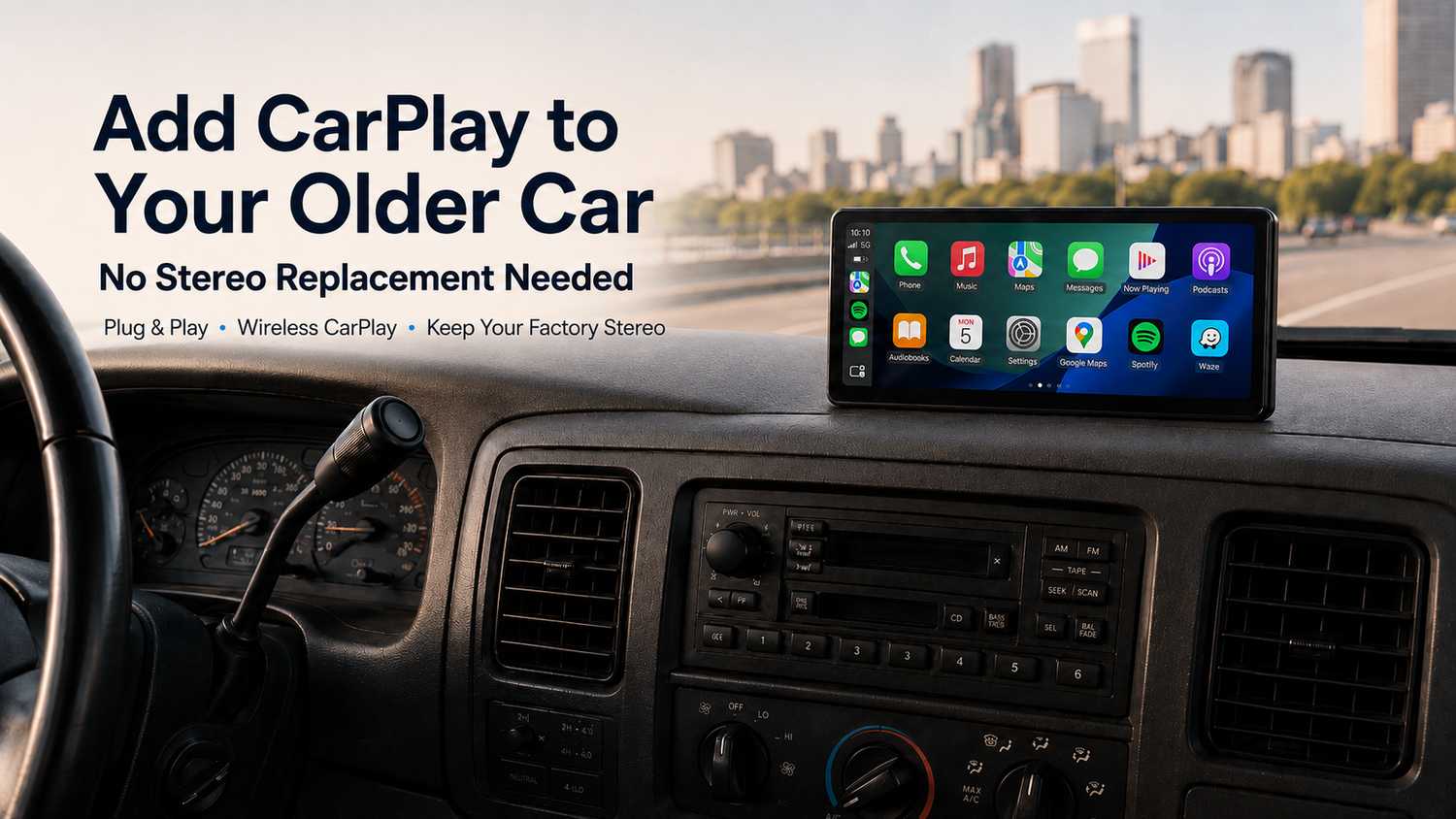
How to Add CarPlay to an Older Car Without Replacing the Stereo
Want to add CarPlay to an older car without replacing the stereo? You are not alone. Many drivers love their older vehicles, but the factory infotainment system often feels outdated compared with today’s navigation, music, calling, and voice-control experience.
The good news is that you do not always need to remove your factory head unit, cut into the dashboard, or pay for a complicated stereo installation. With a portable CarPlay display like the CarpodGo T4 / T4 Plus, you can bring Wireless CarPlay and Android Auto to an older vehicle while keeping the original stereo system in place.
Why Older Car Owners Often Do Not Want to Replace the Stereo
Replacing the stereo may sound like the traditional way to upgrade an older car, but it is not always the best choice. For many American drivers, the factory stereo is deeply connected to the vehicle’s original design, audio system, steering wheel controls, backup camera, dashboard trim, or climate control interface.
That means a stereo replacement can quickly become more than a simple screen upgrade. It may require extra wiring harnesses, dash kits, professional labor, compatibility checks, and sometimes permanent changes to the interior. For used cars, classic vehicles, family cars, work trucks, and leased vehicles, many owners simply do not want to take that risk.
Common reasons drivers avoid replacing the stereo include:
- Preserving the original dashboard: Many older cars have clean factory interiors that owners do not want to cut or modify.
- Avoiding installation costs: A head unit, wiring kit, dash kit, and professional labor can add up quickly.
- Keeping factory audio controls: Some vehicles rely on the original system for steering wheel buttons, factory speakers, or built-in vehicle settings.
- Reducing compatibility risks: Not every aftermarket stereo fits every vehicle perfectly.
- Keeping resale value: Some buyers prefer a vehicle that still has its original interior and stereo system.
Three Ways to Add CarPlay to an Older Car
If your car does not have built-in CarPlay, there are three common upgrade paths: replacing the stereo, using a phone mount, or installing a portable CarPlay screen. Each option has advantages, but the right choice depends on how much installation work, cost, and dashboard modification you are willing to accept.
Option 1: Replace the Factory Stereo with an Aftermarket Head Unit
An aftermarket CarPlay head unit can provide an integrated look when installed correctly. It can be a good option for drivers who want a permanent dashboard upgrade and are comfortable with professional installation.
However, this route usually involves removing the original stereo, adding vehicle-specific wiring parts, fitting a dash kit, and checking compatibility with steering wheel controls or factory cameras. For many older vehicles, the final cost can be much higher than the price of the screen itself.
Best for: Drivers who want a permanent installation and do not mind replacing the original stereo.
Not ideal for: Drivers who want a simple, reversible, no-modification CarPlay upgrade.
Option 2: Use a Phone Mount
A phone mount is the simplest and cheapest way to use navigation, music, and calls in an older car. Many drivers already use this setup with Apple Maps, Google Maps, Spotify, or hands-free calling.
But a phone mount is not the same as CarPlay. The screen is smaller, the interface is not optimized as a dashboard display, and notifications can be more distracting. It also requires your phone to stay mounted the entire time, which can be inconvenient for longer drives.
Best for: Drivers who only need basic navigation on a budget.
Not ideal for: Drivers who want a larger, cleaner, CarPlay-style dashboard experience.
Option 3: Use a Portable CarPlay Screen
A portable CarPlay screen is designed for drivers who want to add CarPlay to an older car without replacing the stereo. Instead of removing the factory head unit, the screen mounts on the dashboard or windshield and works as a dedicated CarPlay / Android Auto display.
This is where CarpodGo T4 / T4 Plus becomes a practical upgrade. It gives older cars a modern smart display experience while allowing the original stereo system to remain untouched.
Best for: Drivers who want Wireless CarPlay, Android Auto, simple installation, and no dashboard modification.
Not ideal for: Drivers who specifically want a permanently built-in aftermarket head unit.
Comparison: Stereo Replacement vs Phone Mount vs Portable CarPlay Screen
| Upgrade Method | Installation | Dashboard Modification | CarPlay Experience | Best Use Case |
|---|---|---|---|---|
| Aftermarket Stereo Replacement | Often requires professional installation | Yes, in many vehicles | Integrated but more complex | Permanent full stereo upgrade |
| Phone Mount | Very simple | No | Not true CarPlay | Basic navigation and music control |
| Portable CarPlay Screen | Simple plug-and-play setup | No | Dedicated CarPlay / Android Auto display | Older car upgrade without replacing stereo |
Why CarpodGo T4 / T4 Plus Is Ideal for Older Cars
The CarpodGo T4 / T4 Plus is built for drivers who want a smarter in-car experience without replacing the original vehicle system. It is especially useful for older cars that still drive well but lack modern infotainment features.
No Stereo Replacement or Complex Wiring
One of the biggest benefits of CarpodGo T4 / T4 Plus is that it does not require replacing the factory stereo. You can upgrade the driving interface without removing the original head unit, cutting the dashboard, or changing the vehicle’s factory setup.
Wireless CarPlay and Android Auto Support
CarpodGo T4 / T4 Plus supports Wireless CarPlay, Wired CarPlay, Wireless Android Auto, and Wired Android Auto. That means both iPhone and Android users can enjoy a modern driving interface for maps, music, calls, messages, and apps.
A Larger, Clearer Display Than a Phone
Compared with using a phone mount, a portable CarPlay display gives you a cleaner dashboard layout and a larger screen for navigation. T4 and T4 Plus are designed to make maps, app icons, and driving information easier to see at a glance.
Designed for Real Driving Conditions
CarpodGo T4 / T4 Plus features a bright 1000-nit display, true 1920×720 resolution, 60fps Wireless CarPlay performance, and a fully laminated IPS screen. These features help create a smoother, clearer, and more premium experience for daily commutes, road trips, and older vehicles with outdated infotainment systems.
Two Screen Sizes for Different Dashboards
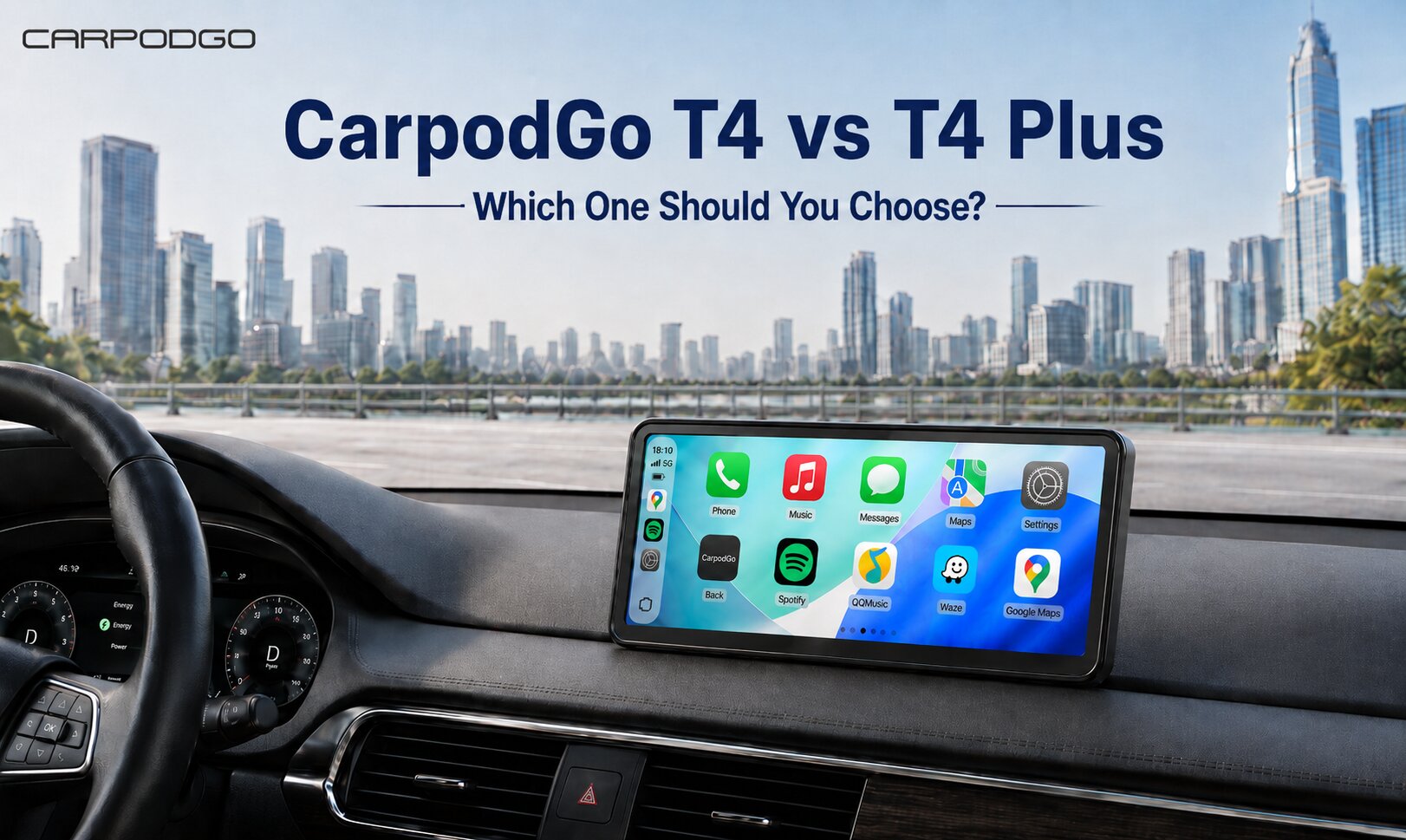
CarpodGo T4 comes in an 8.9-inch size for drivers who want a compact screen, while T4 Plus offers a larger 10.9-inch display for users who prefer a wider navigation view. This gives older car owners more flexibility depending on dashboard space and driving preference.
What About Audio?
A common concern with portable CarPlay screens is audio quality. CarpodGo helps solve this with Display Only Bluetooth Mode. In this mode, the CarpodGo screen focuses on displaying the CarPlay or Android Auto interface, while your phone can continue sending audio through your car’s original Bluetooth or AUX system.
This setup is especially useful for older cars because it allows drivers to keep using their existing speakers, factory Bluetooth, or AUX input while still gaining a modern screen for navigation and app control.
For more setup and compatibility details, visit the CarpodGo FAQ page.
Who Should Choose a Portable CarPlay Display?
A portable CarPlay display is a strong choice if you:
- Drive an older car without built-in CarPlay
- Do not want to replace the factory stereo
- Want Wireless CarPlay or Android Auto
- Prefer a simple installation process
- Want a larger screen than your phone
- Want to preserve the original dashboard design
- Need a reversible upgrade that can be removed or moved later
If that sounds like your situation, a portable display from the CarpodGo CarPlay collection may be the easiest way to modernize your older vehicle.
FAQ: Adding CarPlay to an Older Car Without Replacing the Stereo
Can I add CarPlay to an older car without replacing the stereo?
Yes. A portable CarPlay screen lets you add CarPlay to an older car without replacing the stereo. It works as a separate dashboard display, so you can keep the factory stereo and original vehicle system.
Is a portable CarPlay screen better than a phone mount?
For many drivers, yes. A phone mount is simple, but it does not provide the same dedicated CarPlay-style interface. A portable CarPlay screen offers a larger display, cleaner app layout, and a more dashboard-friendly experience.
Does CarpodGo T4 / T4 Plus support Android Auto?
Yes. CarpodGo T4 / T4 Plus supports both CarPlay and Android Auto, including wireless and wired connection options.
Do I need professional installation?
No. CarpodGo T4 / T4 Plus is designed for simple plug-and-play installation, making it a practical option for older cars where drivers want to avoid complex stereo replacement.
Which model should I choose: T4 or T4 Plus?
Choose T4 if you want a compact 8.9-inch display that takes up less dashboard space. Choose T4 Plus if you prefer a larger 10.9-inch screen for a wider navigation view and a more immersive driving interface.
Final Thoughts: The Easiest Way to Upgrade an Older Car
Replacing the stereo is not the only way to modernize an older vehicle. If you want to add CarPlay to an older car without replacing the stereo, a portable CarPlay display offers one of the easiest, cleanest, and most flexible solutions.
With Wireless CarPlay, Android Auto, simple installation, a bright high-resolution screen, and no need to modify the original dashboard, CarpodGo T4 / T4 Plus is a smart upgrade for drivers who want modern connectivity in an older car.
Ready to upgrade your drive? Explore the CarpodGo portable CarPlay displays and find the right screen for your older car today.


Hinterlasse einen Kommentar
Diese Website ist durch hCaptcha geschützt und es gelten die allgemeinen Geschäftsbedingungen und Datenschutzbestimmungen von hCaptcha.